Updated June 2026. Pricing and features verified in 2026.
If your reps prospect on LinkedIn but your data lives in a CRM, there’s a daily tax: copy-pasting names, finding emails, and re-typing notes. LinkedIn-to-CRM tools remove it, pushing contacts (and often conversations) straight into your CRM, enriched with verified emails and phones, in one click.
These tools differ mainly on which CRM they’re built for and how they handle enrichment and export. We compared the leaders on CRM fit, enrichment quality, and price. Here’s the shortlist.
| Tool | Best for | Starting price |
|---|---|---|
| Hublead | LinkedIn → HubSpot, deeply | Free / ~$32/seat |
| Surfe | Multi-CRM LinkedIn sync | Free / ~$39/seat |
| Evaboot | Exporting & cleaning Sales Navigator lists | ~$9/mo |
| Kaspr | LinkedIn contact data + light CRM export | Free / ~$49/mo |
Hublead
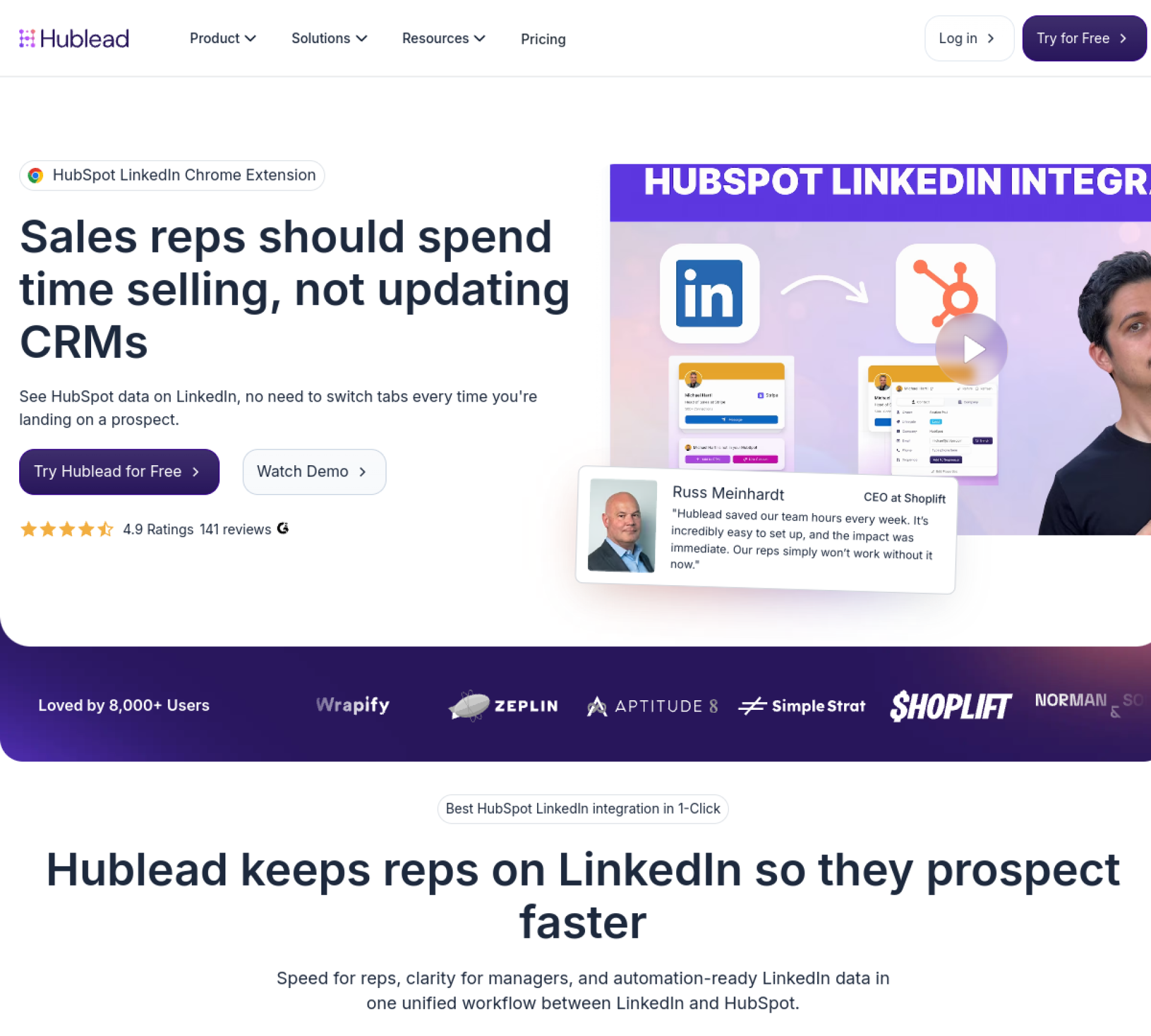
Hublead is purpose-built for one job done well: syncing LinkedIn and Sales Navigator contacts and conversations into HubSpot in one click, enriched with verified emails and phone numbers. If HubSpot is your CRM, it’s the most direct, deepest integration here, message sync and enrichment included, so reps stop leaving HubSpot to log LinkedIn activity.
Best for: HubSpot users who prospect on LinkedIn.
- Strengths: one-click LinkedIn-to-HubSpot contact and message sync; built-in email/phone enrichment; deep, HubSpot-native integration.
- Limits: built specifically around HubSpot (not a multi-CRM tool); relies on LinkedIn as the entry point; younger product.
Compare Hublead vs Surfe and Hublead vs Evaboot.
Surfe
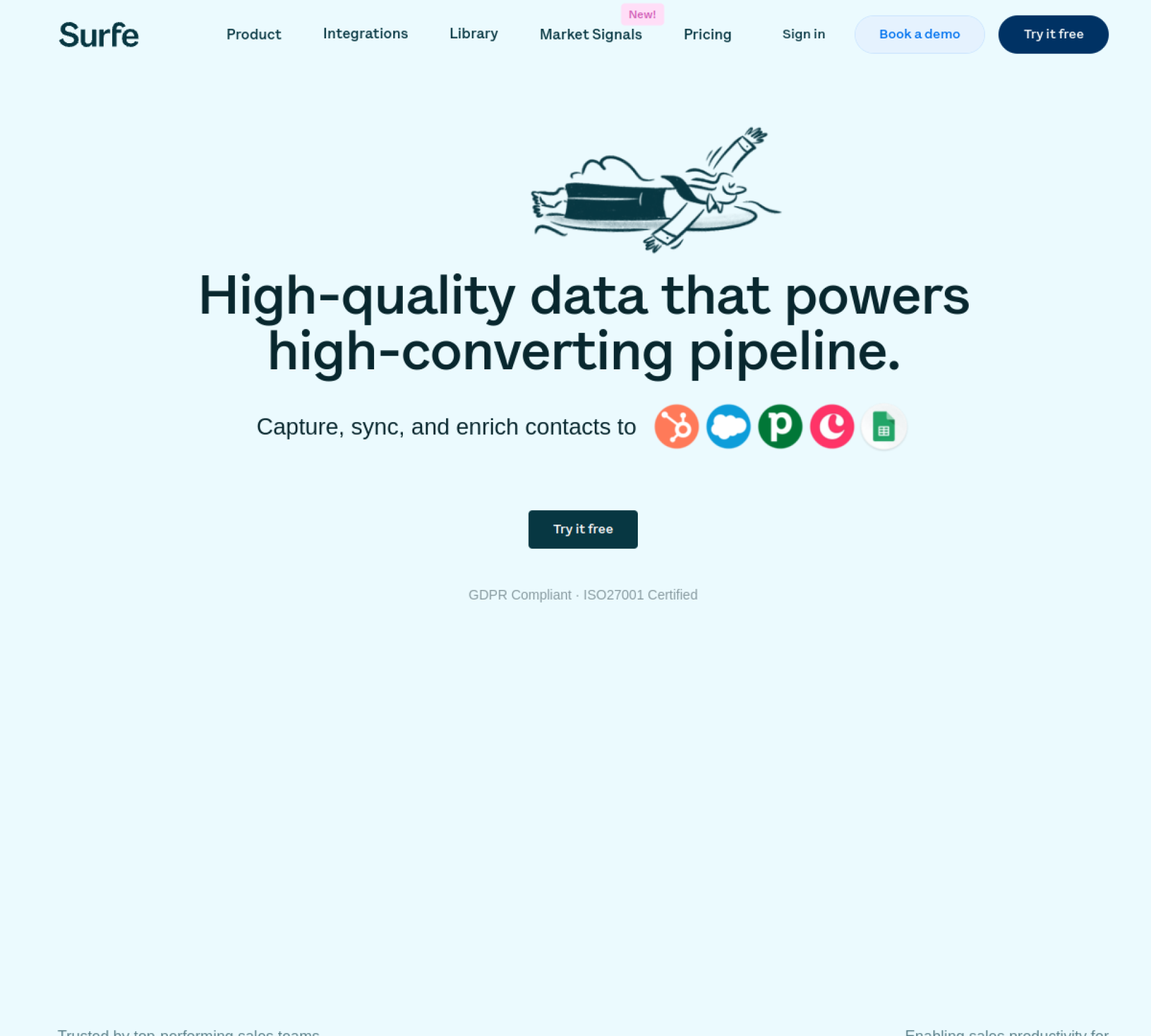
Surfe (formerly Leadjet) is the multi-CRM option: it pushes LinkedIn contacts into HubSpot, Salesforce, Pipedrive, and others, enriches them, and keeps messaging in sync. The right pick if you’re not on HubSpot or want CRM flexibility.
Best for: reps who want LinkedIn-to-CRM sync across multiple CRMs.
- Strengths: works with several CRMs; built-in enrichment; Sales Navigator messaging sync.
- Limits: enrichment credits limited on lower tiers; relies on LinkedIn as the entry point. See Surfe alternatives.
Evaboot
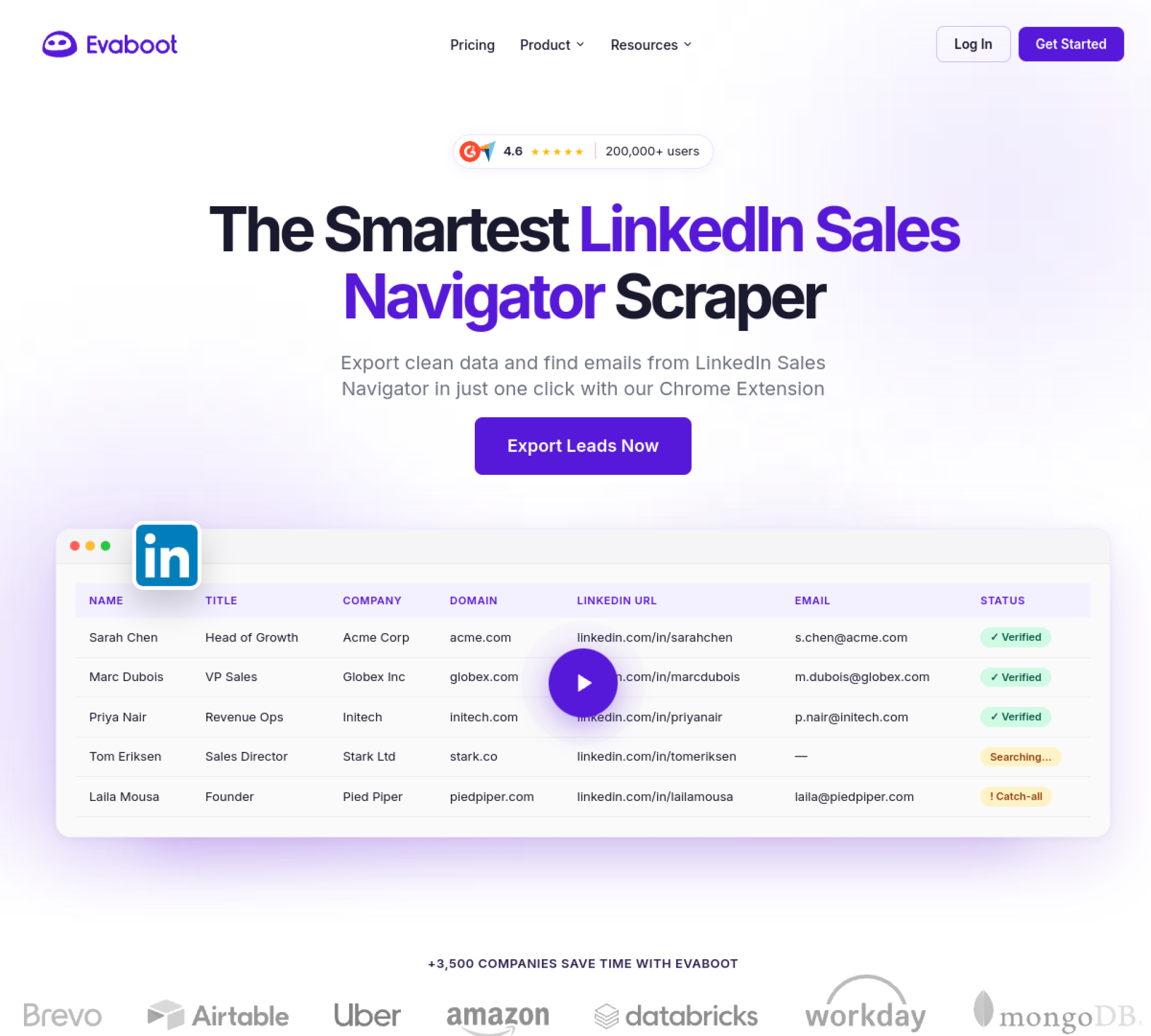
Evaboot takes a different angle: it exports leads from Sales Navigator, cleans the data, and finds verified emails, turning a Sales Navigator search into a ready-to-use enriched CSV. Less “live sync,” more “bulk export and clean.”
Best for: reps who build lists in Sales Navigator and need clean, enriched exports.
- Strengths: one-click Sales Navigator export; cleans false-positive matches; finds/verifies emails.
- Limits: needs a Sales Navigator subscription; export-focused (not live sync).
Kaspr
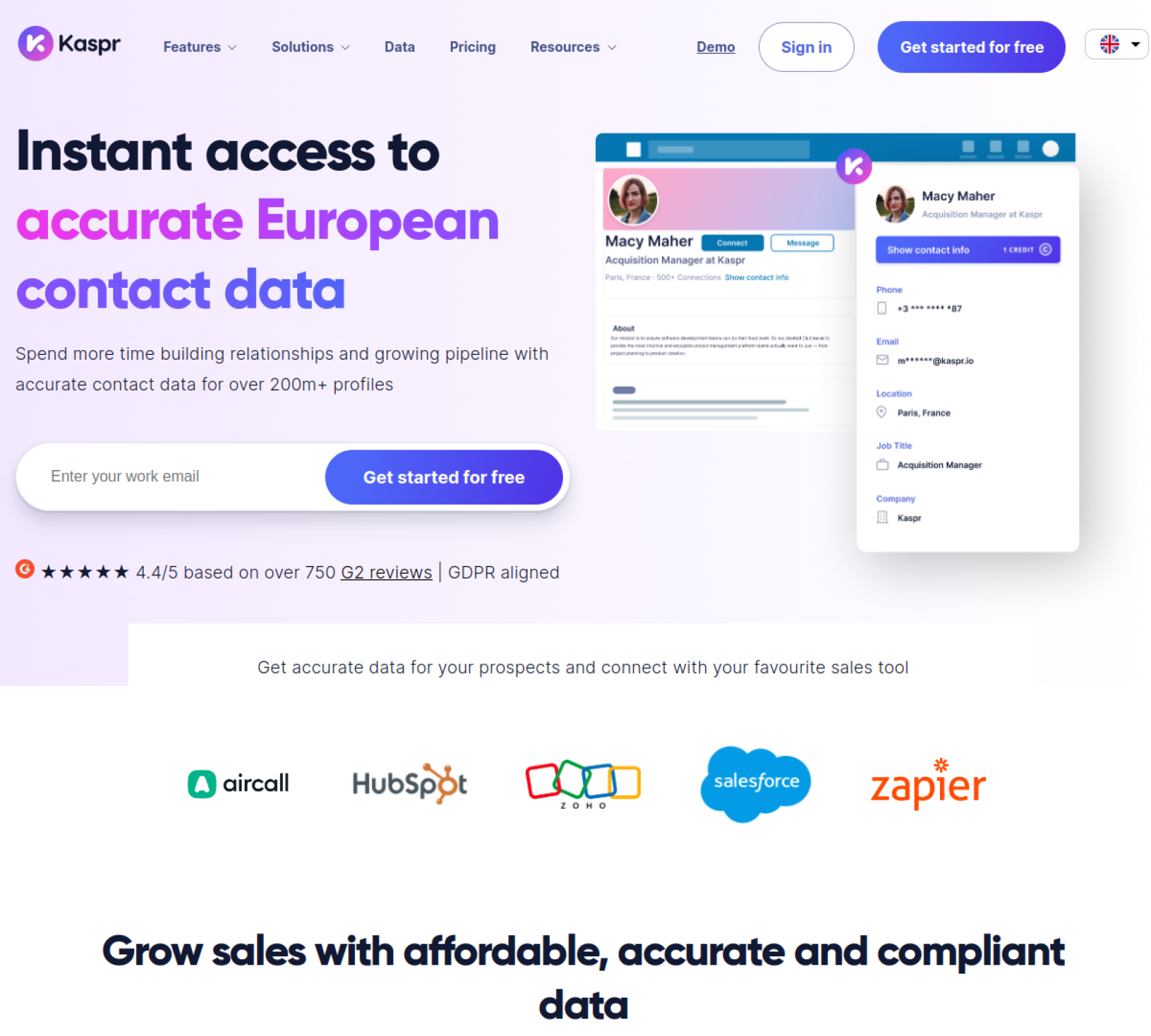
Kaspr is a LinkedIn-first data tool: a one-click extension that surfaces emails and phone numbers from profiles, with export to CRMs. More of a contact-data tool than a deep CRM sync, but GDPR-aligned and affordable.
Best for: SMB reps who want quick LinkedIn contact data with CRM export.
- Strengths: one-click emails + phones; GDPR-compliant EU data; free plan.
- Limits: lighter CRM sync than Hublead/Surfe; coverage thinner outside Europe.
How to choose
- On HubSpot? Hublead is the deepest, most direct fit.
- On a different CRM, or want flexibility? Surfe.
- Building lists in Sales Navigator to export in bulk? Evaboot.
- Mainly want LinkedIn contact data with light export? Kaspr.
The deciding factor is usually your CRM. A tool built specifically for your CRM (Hublead for HubSpot) tends to sync more cleanly than a generalist, while a multi-CRM tool (Surfe) wins on flexibility.
FAQ
What’s the best LinkedIn-to-CRM tool for HubSpot? Hublead is built specifically for HubSpot and offers the deepest sync, including LinkedIn conversations, with enrichment included. Surfe is the strongest multi-CRM alternative.
Do these tools enrich contacts with emails and phones? Yes. Hublead, Surfe, and Kaspr all enrich LinkedIn contacts with verified emails and phone numbers as they sync or capture them.
Do I need Sales Navigator? Evaboot requires it (it exports from Sales Navigator). Hublead, Surfe, and Kaspr work from regular LinkedIn too, though Sales Navigator improves targeting.
Are these GDPR-compliant? Kaspr emphasizes GDPR-aligned EU data. For compliance-sensitive teams, also check each vendor’s data-processing terms before rolling out.
The tools in this guide
Pricing, standout features, and where each one wins.
HubSpot users who prospect on LinkedIn and want one-click CRM sync.
Pricing
$32/mo
From ~$32/seat/mo; LinkedIn-to-HubSpot sync + enrichment
Key features
- Email finder
- Mobile / direct dials
- Bulk enrichment
- LinkedIn / Chrome extension
- 1-click CRM export
- API & webhooks
Reps who live in LinkedIn Sales Navigator and want one-click CRM sync.
Pricing
Free plan
Free plan; paid from ~$39/seat/mo
Key features
- Email finder
- Mobile / direct dials
- Bulk enrichment
- LinkedIn / Chrome extension
- 1-click CRM export
- Free plan
Reps who build lists in Sales Navigator and need clean, enriched exports.
Pricing
$9/mo
From ~$9/mo by credits; export + enrich Sales Navigator
Key features
- Email finder
- Email verification
- Bulk enrichment
- LinkedIn / Chrome extension
- 1-click CRM export
- API & webhooks
SMB and startup reps prospecting directly from LinkedIn in Europe.
Pricing
Free plan
Free plan with limited credits; paid from ~$49/mo, GDPR-aligned
Key features
- Email finder
- Mobile / direct dials
- Email verification
- Bulk enrichment
- LinkedIn / Chrome extension
- 1-click CRM export
Build your sales stack
Compare 20+ sales tools side by side, free.